


Key Takeaways:
Best Free and Open Source DICOM Viewers:
- Windows: Weasis, MicroDICOM, Navigatium
- MacOS: Horos, Weasis, mRay
Best Paid DICOM Viewers:
- Windows: RadiAnt
- MacOS: OsiriX
Best Free Online Web-Based & Cloud DICOM Viewers:
- PostDICOM, OHIF viewer, Pacsbin
Cloud-Based App:
- Collective Minds
Best Free DICOM Viewer Apps:
- Android: DroidRender, mRay, IDV
- iPhone/iPad: IDV, mRay, Medfilm
Best Paid DICOM Viewer Apps for iPhone/iPad:
- Horos, Osirix HD
What is DICOM?
DICOM stands for Digital Imaging and Communications in Medicine and all imaging studies that need to be transferred from the place of acquisition to be stored, viewed later or remotely are done in the DICOM format. While it is not the only format available, it is by far the most commonly used.
To view these DICOM files on any device, we use a DICOM viewer. There are several DICOM viewers available for use today – some free and open source, some cross-platform, some paid, and some online web or cloud based. In this article, we are going to give you a quick run through of some of the features you want to look for when choosing a DICOM viewer.
- Key Takeaways:
- What is DICOM?
- Features to look for in a DICOM viewer:
- Free and open source DICOM viewers for windows
- Paid DICOM viewers for Windows
- Free and open source DICOM viewers for MacOS
- Paid DICOM viewers for MacOS:
- Free Online Web-based & Cloud DICOM Viewers
- Cloud based Apps: Special Mention
- Free DICOM viewer apps for Android
- Free DICOM viewer apps for iPhones/iPads
- Paid DICOM viewer apps for iPhones/iPads
- Choosing the Right DICOM Viewer
Features to look for in a DICOM viewer:
There are a few key factors to consider when choosing a DICOM application:
- Ease of use: It is important to keep in mind that the application should be intuitive and easy to use, so that you can focus on reporting the studies and not get bogged down by a complicated interface.
- Features: Make sure that the application has all the features that you need, such as measure distances, angles or volumes, Multiplanar Reconstructions, 3D Volume Rendering if that is something you use regularly.
- Compatibility: It’s important to ensure that the application does not have any compatibility issues with your operating system.
- Price: There are several great free options available and it is not necessary to spend a fortune to have a good quality DICOM viewer. Having said that, there are certain advantages that come with a paid subscription which may tip the balance.
- Support: Make sure that the application has regular support and good customer support. It is not advisable to use a free viewer if it is not regularly updated.
Basic features:
- Windowing
- Pan
- Magnification
- Scroll
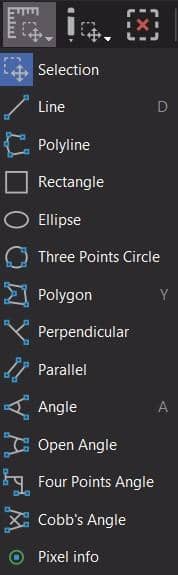
- Measurement – lines, angles
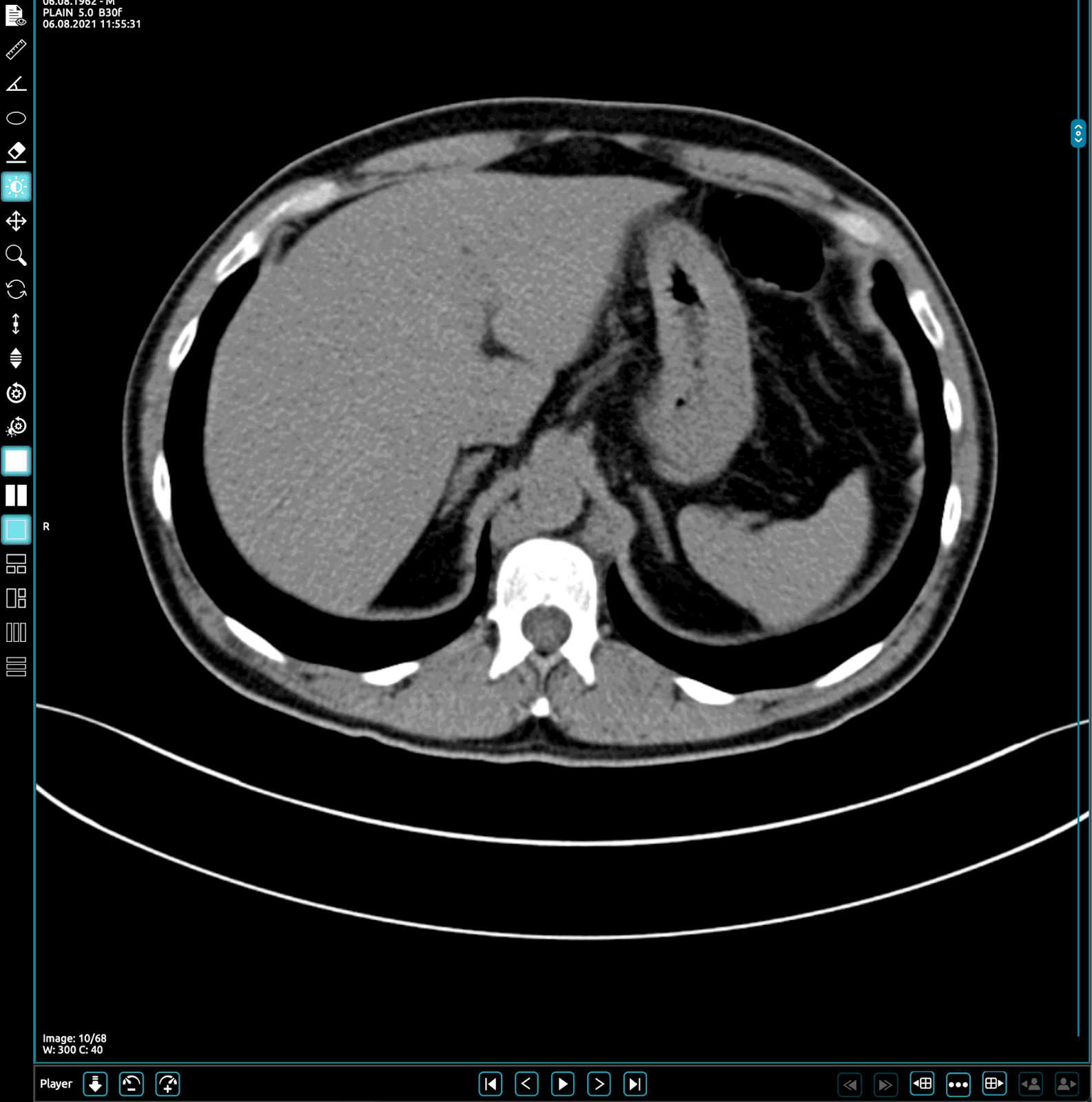
The toolbar from Horos shows the standard options

Toolbar from Weasis

Advanced features:
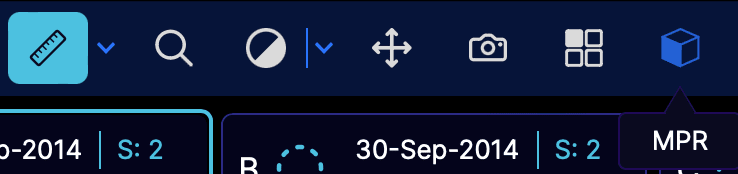
MPR: Multiplanar reconstruction in seen here in OHIF viewer
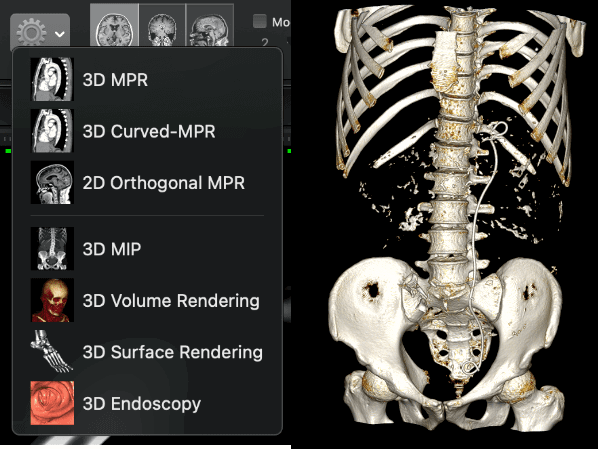
3D Reformat options: Seen here in Horos:
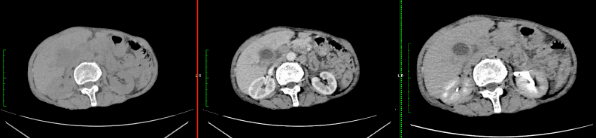
Comparison studies: Shown below are plain, portal venous and delayed phase studies seen in parallel on Horos
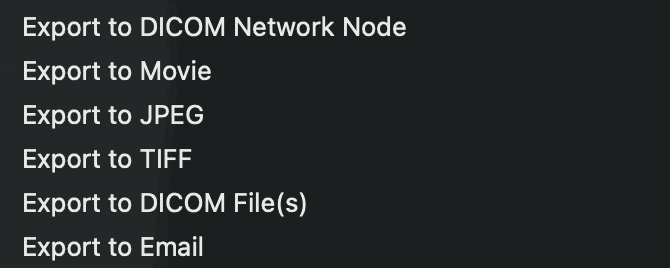
Export options: As seen on Horos
Free and open source DICOM viewers for windows
There are several options available but we will discuss the our top three:
Weasis: It is a cross-platform DICOM viewer with all basic options needed for image manipulation. It also has MPR options although 3D VR has yet to be added. It is a relatively new addition to the list and gets regular updates.
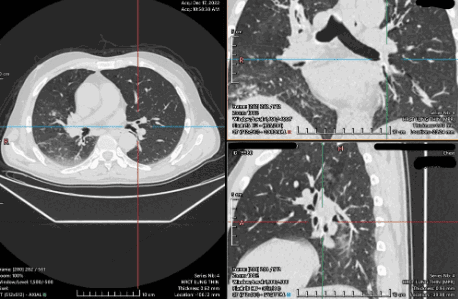
MicroDICOM: One of the most popular DICOM viewers with more than 1 million downloads. It has all the necessary features with a friendly interface and is free for noncommercial use. It does not provide advanced features like MPR or 3D VR.
Navigatium: In addition to basic features, this one has touch-screen support along with 3D printing support as well. It is not the best for devices without touch-screen capabilities and lacks some advanced features.
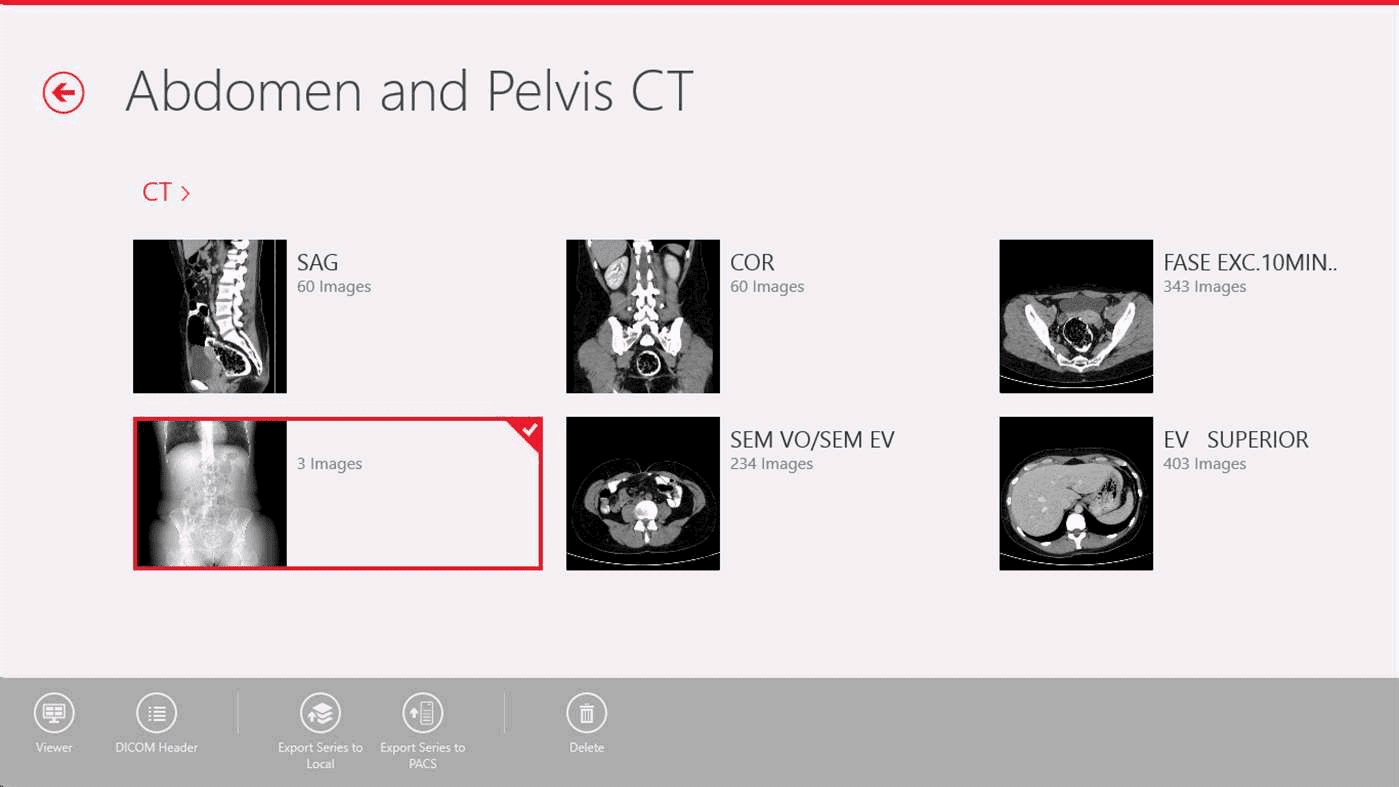
Paid DICOM viewers for Windows
RadiAnt: One of the most widely used DICOM viewers which does have a free version which is only valid for 3 months. It is a powerful software with all advanced features like MPR, 3D VR, Time intensity curves and series fusion along with the option to compare multiple studies side by side. They also have multi-touch support for touch screen capable devices.
If your hospital does not allow software installs you can install a portable version of Radiant. Check out this article for details:
Radiant DICOM Viewer Portable Installation Guide – RadioGyan
The payment plans come to 5 EUR per month or 39 EUR for one year with several other payment plan options as well. Interestingly, mentioning “RadiAnt DICOM Viewer” in a published journal article entitles the author of the article to a heavily discounted plan of 1 year for 1 EUR whereas inclusion of the website link, “https://www.radiantviewer.com,” in the article gives you even bigger discount of a two-year plan for 1 EUR.
Free and open source DICOM viewers for MacOS
Once again, among many in the list, we like these three the most:
- Horos: The most popular. It has a lot of support and an active community of users. It also comes with training courses and tutorials to help you along. It has multi-device support for the ipad and iphone but they are not free.
- Weasis: It is a cross-platform DICOM viewer with all basic options needed for image manipulation and is one of the few options that works both in Windows and MacOS. It also has MPR options although 3D VR has yet to be added. It is a relatively new addition to the list and gets regular updates.
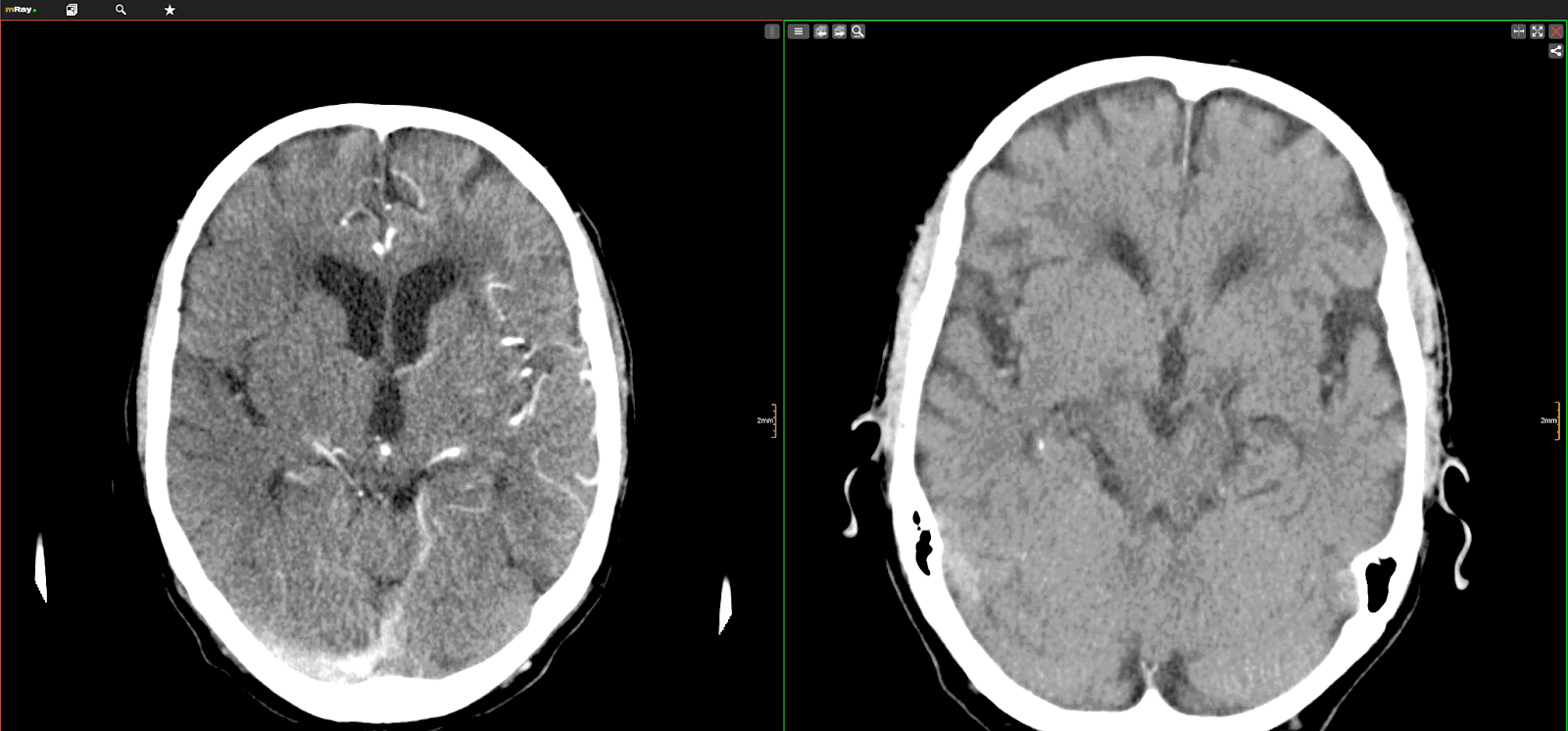
- mRay: Completely free web based app compatible with mobile devices with advanced features like MPR with cloud support as well.
Paid DICOM viewers for MacOS:
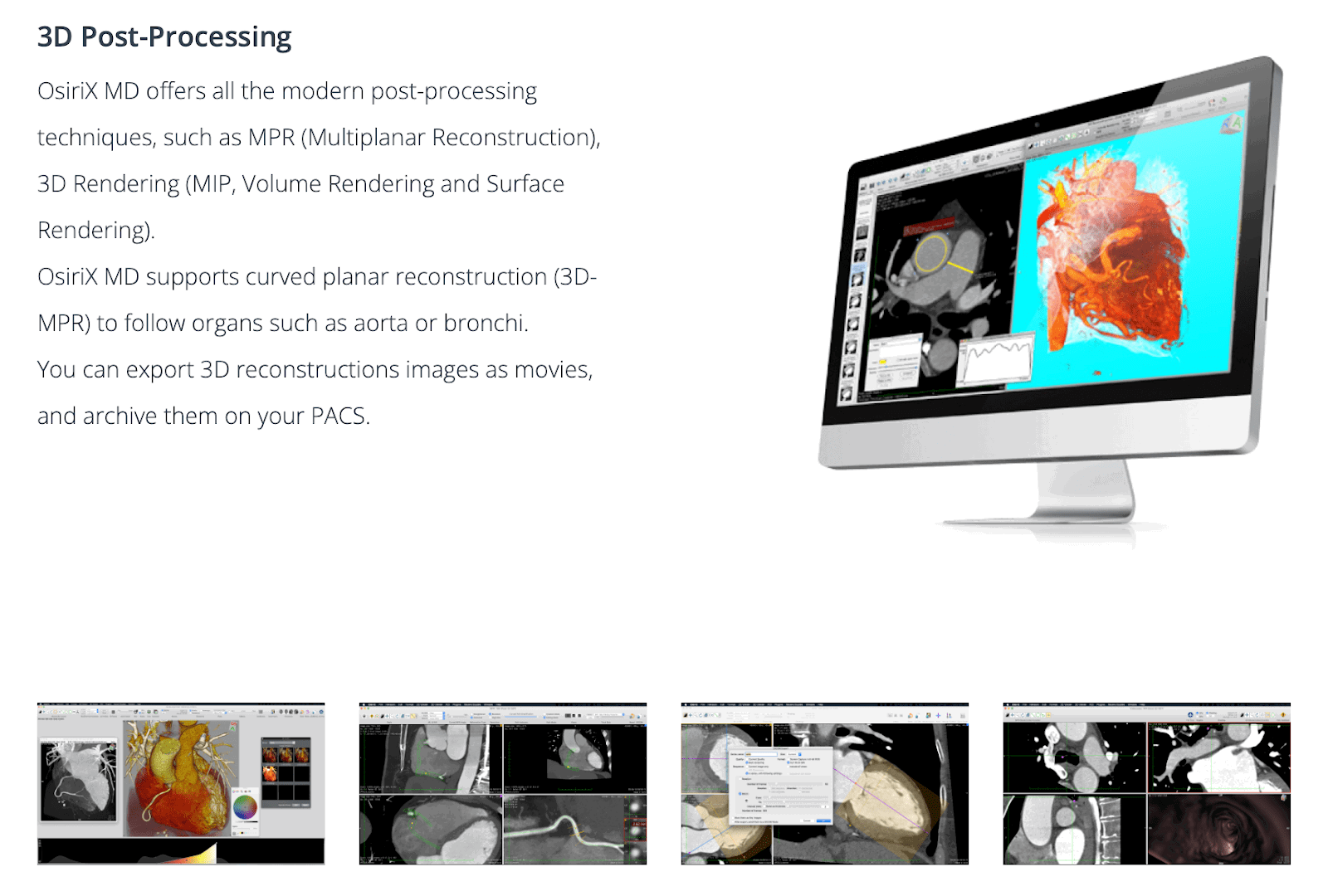
OsiriX: This has the distinction of being the most widely used DICOM viewer in the world. It is certified for clinical use in medicine with FDA clearance. It has all advanced techniques of 2D and 3D image processing. It also has support for PET-CT and SPECT-CT and has their own innovations for 3D and 4D navigation.
However, it is an expensive application. The Osirix MD Monthly subscription is priced at $82.59 Per month and $494.42 per annum.
Free Online Web-based & Cloud DICOM Viewers
The main difference between these and the ones we have already discussed is this: These do not require you to download any application. They work online through your web browser and as such do not require a DICOM ready computer to work on. It is well suited to those on to go looking for an option that works on multiple devices with an internet connection. The disadvantage on the other hand is the time needed to compress and upload the DICOM files which can be fairly large (anywhere from 100 MB to 1.5 GB) depending on the number of images.
Our top 3 recommendations are:
PostDICOM: This one comes with 50 GB free space for uploading and sharing DICOM files along with a decent DICOM viewer that works on all OS including mobile devices. It has all advanced image manipulation options.
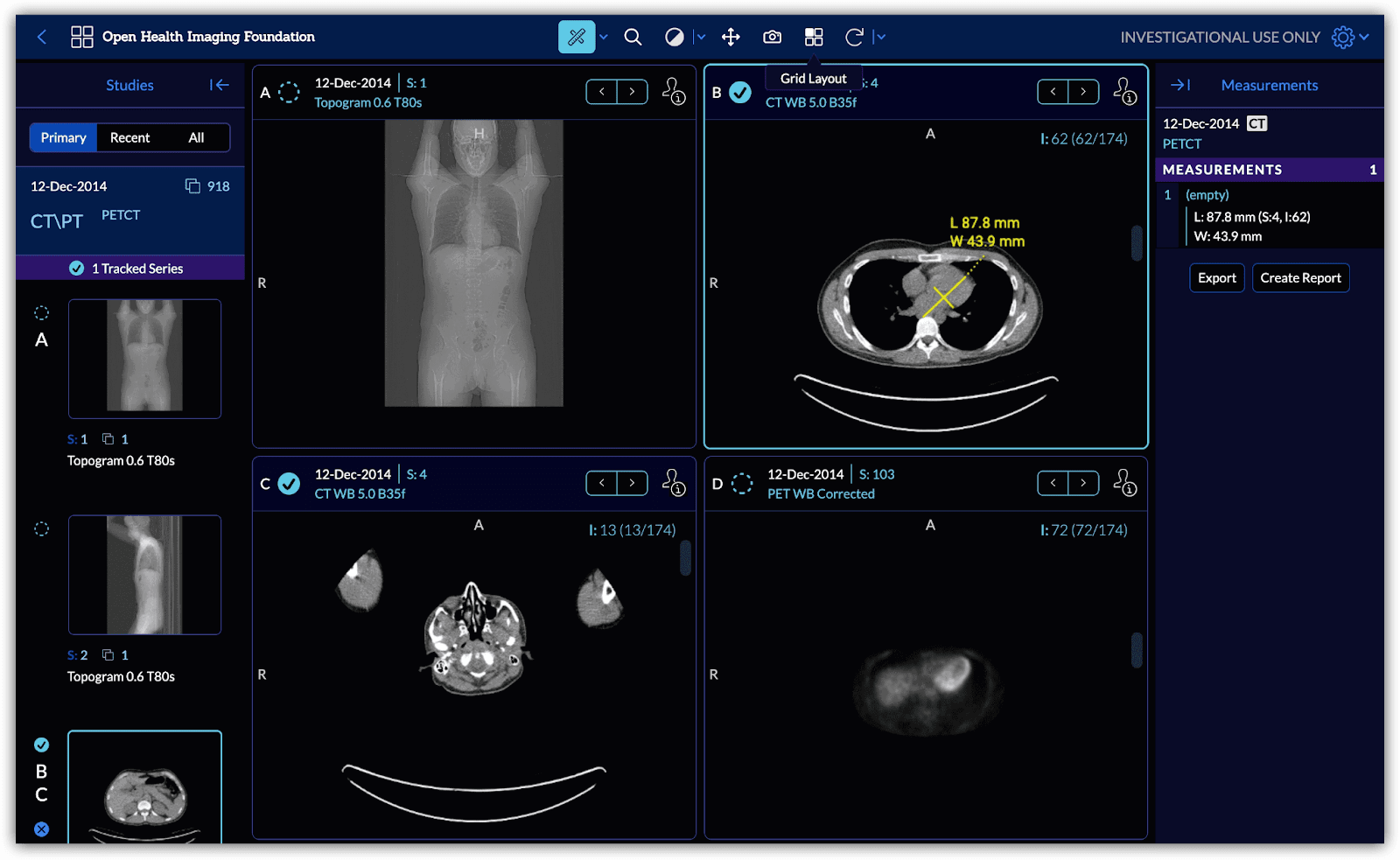
OHIF viewer: This is an excellent web based viewer with fast upload speeds, a powerful viewer with image capture, annotation and measurement options.
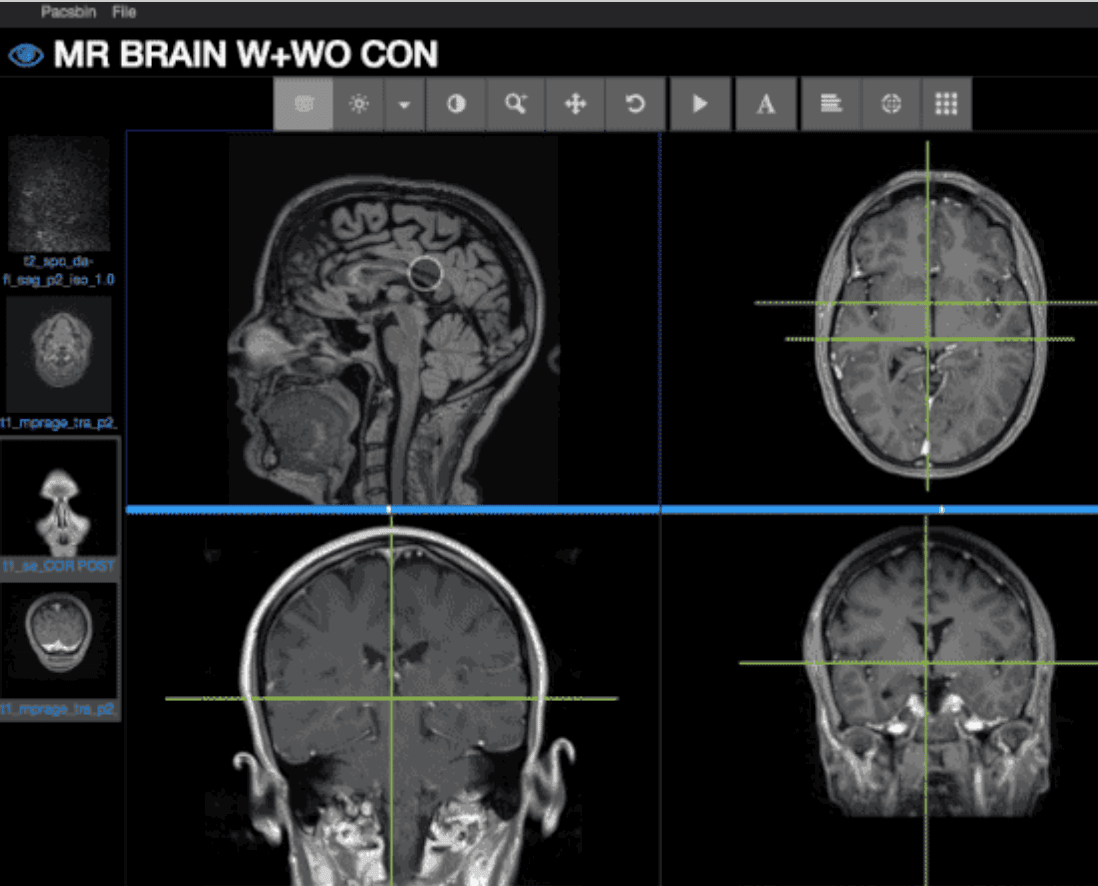
Pacsbin: A popular option that combines fast upload speeds with easy anonymization. It is a great tool to share cases or for use in education. It does not have advanced options like MPR or VR.
Cloud based Apps: Special Mention
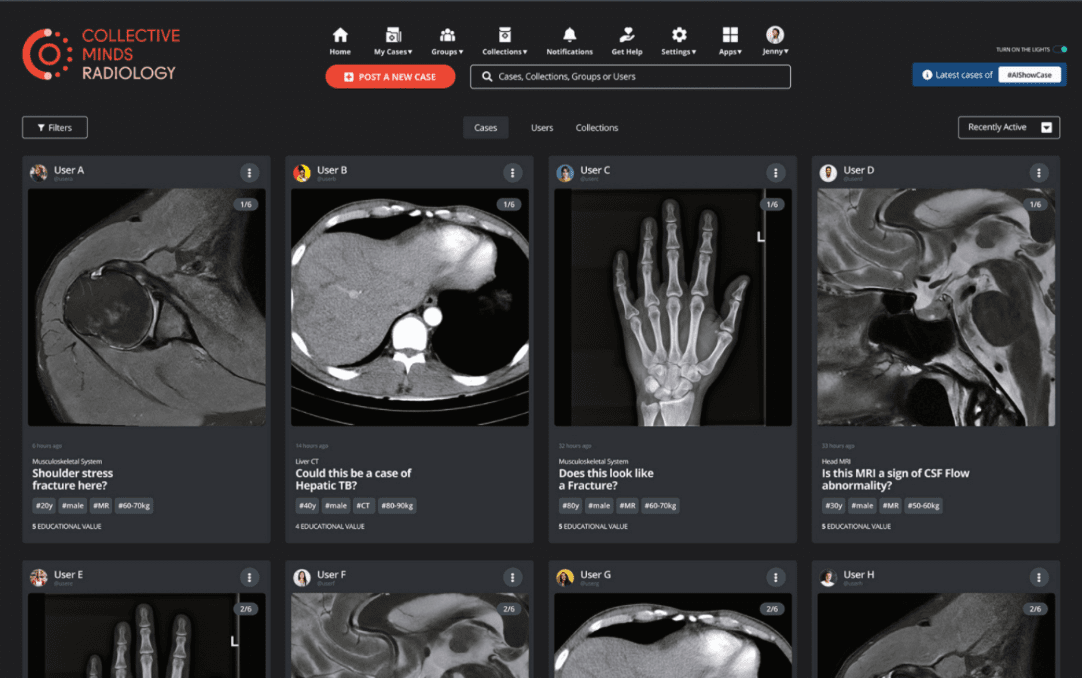
Collective Minds: This is different from all the other options in this list in that it is a collaborative effort centered around imaging specialists who share their cases for discussion and teaching. The advantages are that it is completely free with unlimited storage and has a powerful DICOm viewer as well.
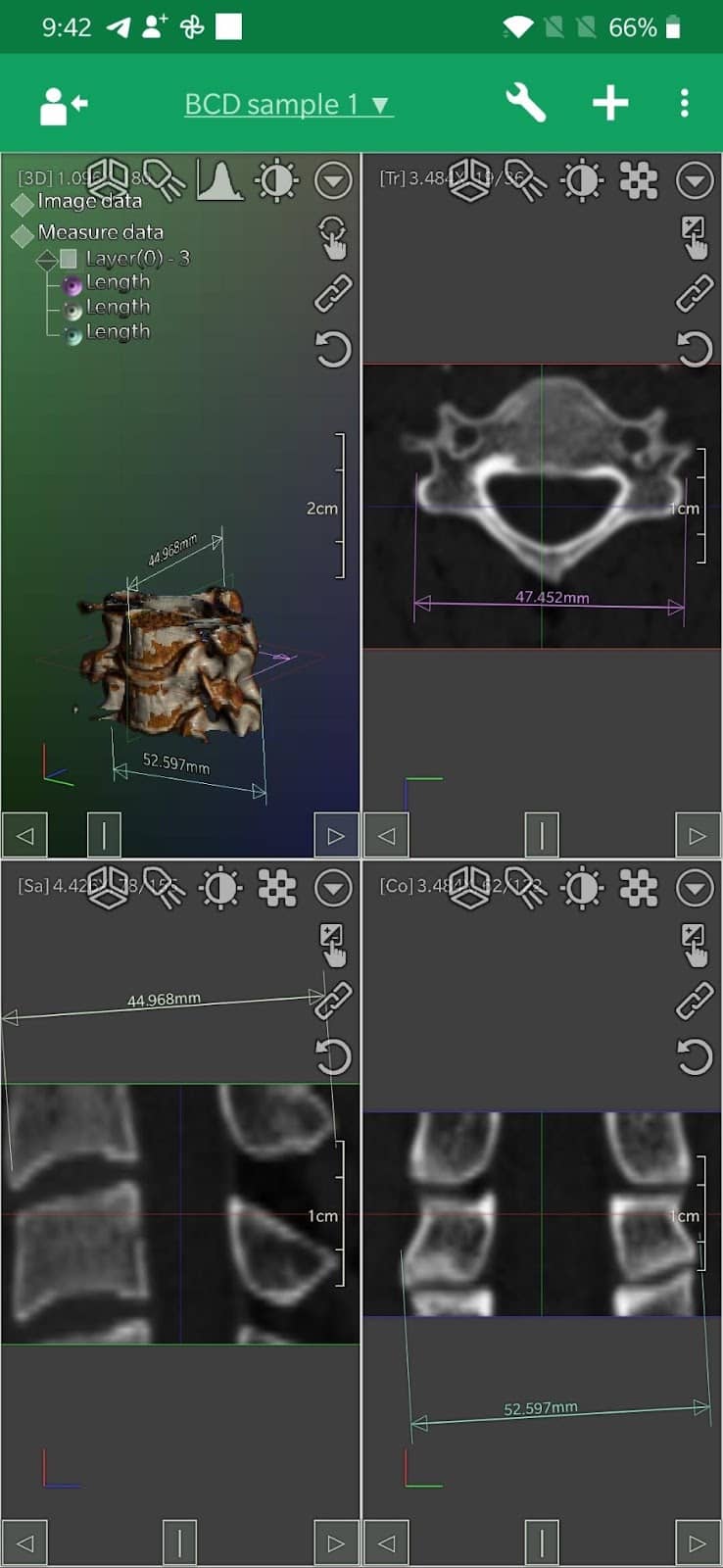
Free DICOM viewer apps for Android
DroidRender: This is a great application that has a friendly User interface with support for all the standard options including multiple layout and MPR and in fact it is one of the only android apps with the option to use 3D VR.
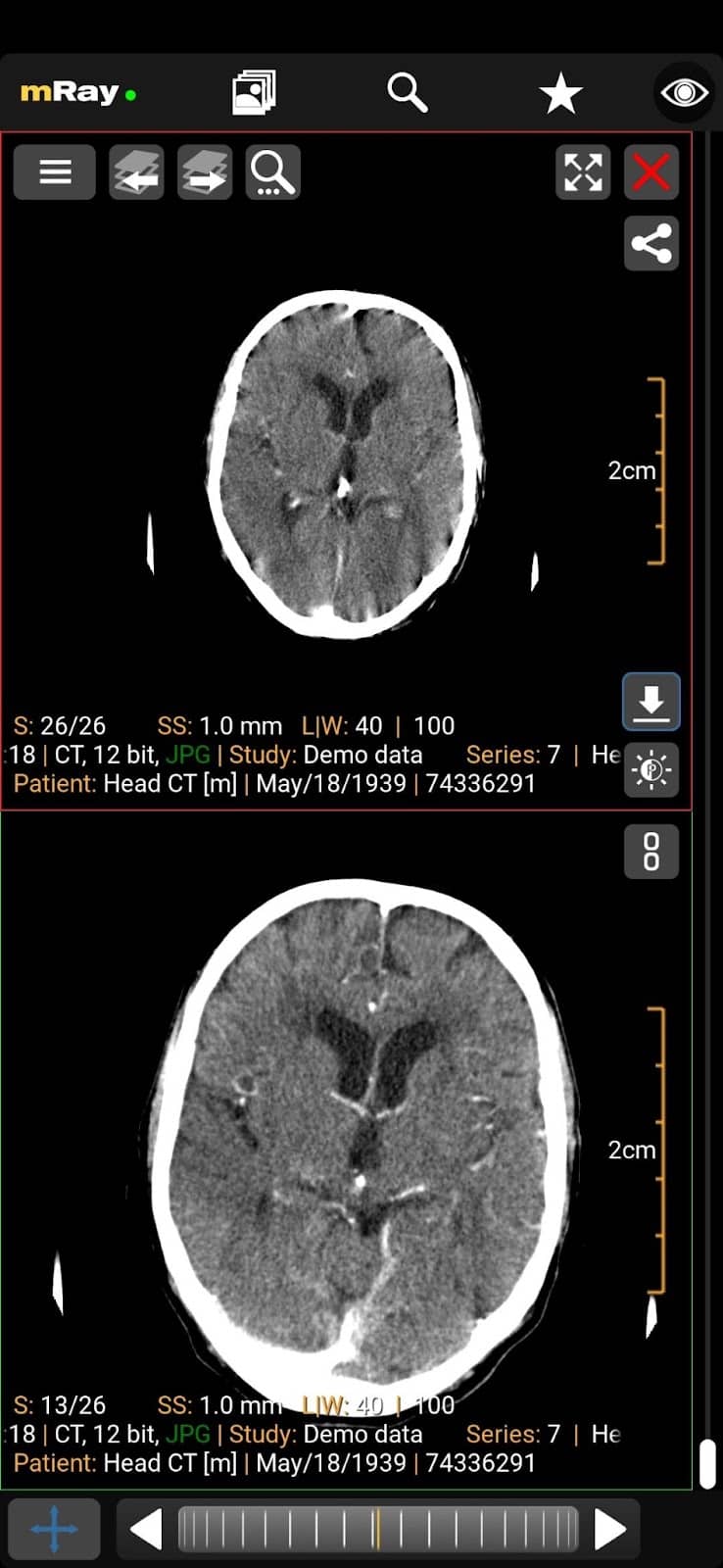
mRay: This one also made it to the list of Mac as well as ios devices. It has all the standard features along with support for MPR, multiple layout options and cloud backup of your cases.
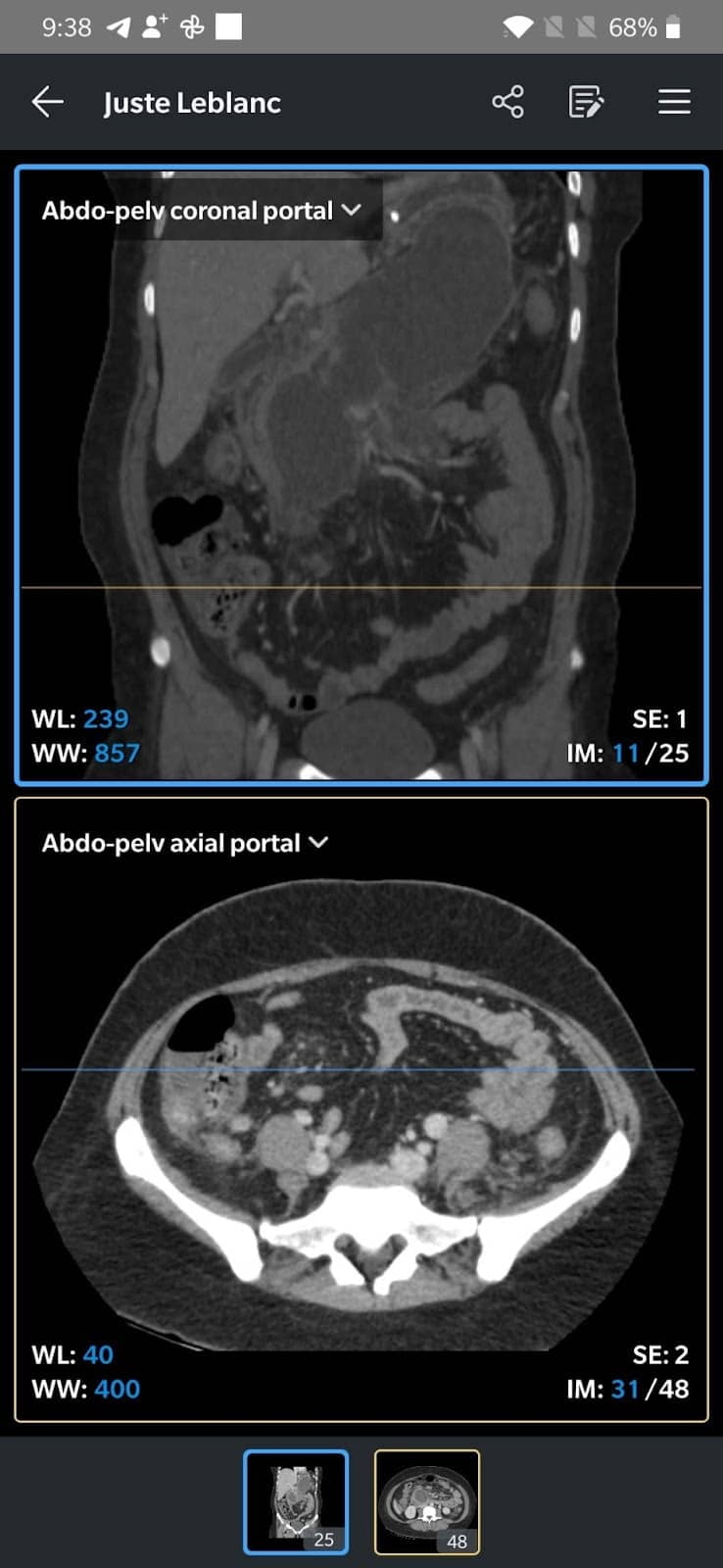
- IDV: IDV stands for IMAIOS DICOM viewer and this excellent product is from the same company that gave us e-anatomy. This is an excellent app with support for standard features including MPR. It is very easy to use and the process of exporting or sharing your cases as video or DICOM is also streamlined.
Free DICOM viewer apps for iPhones/iPads
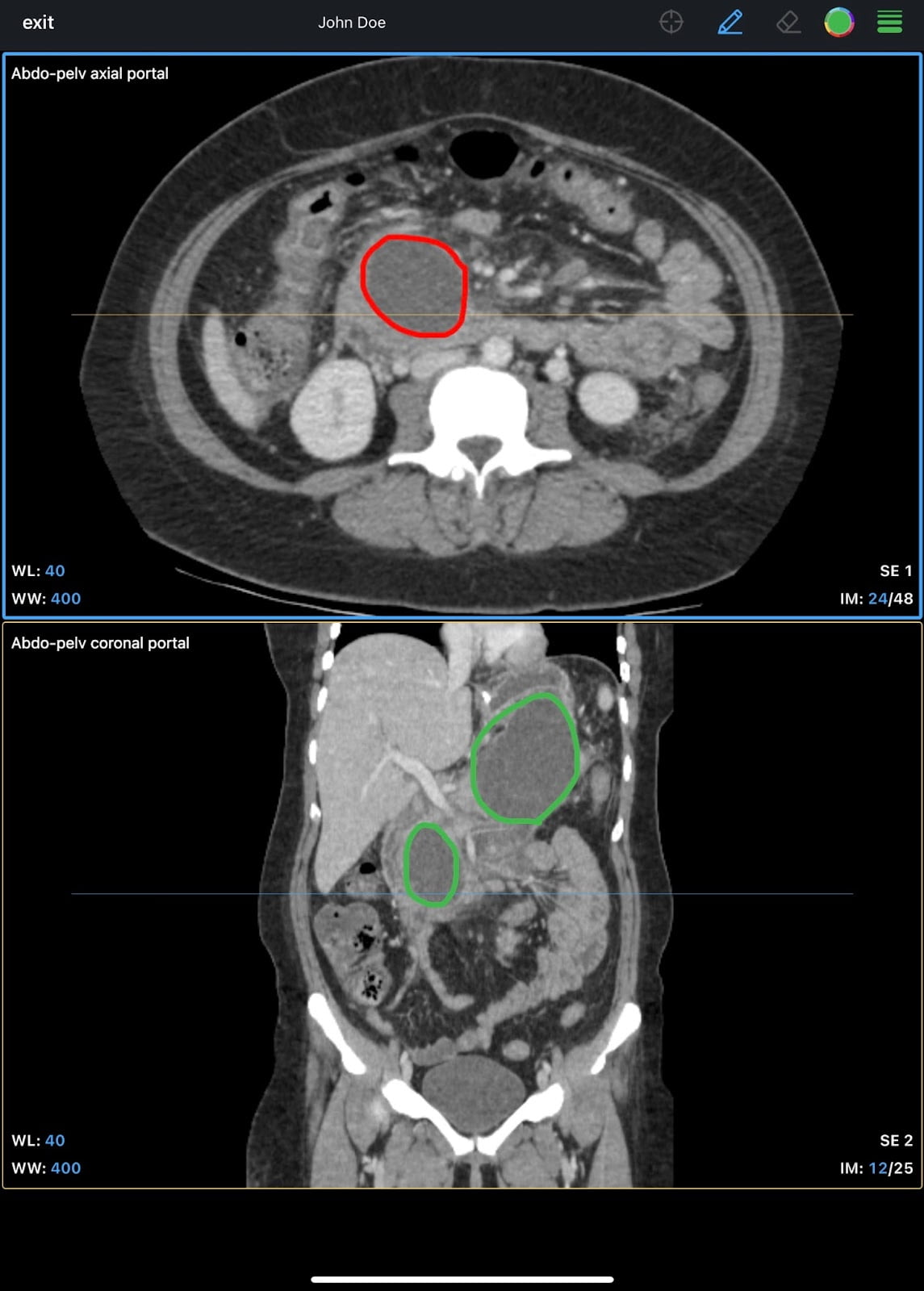
IDV: IDV stands for IMAIOS DICOM viewer and this excellent product is from the same company that gave us e-anatomy. This is an excellent app with support for standard features including MPR and multiple layout. It is very easy to use and also has support for annotation within the app on iPad and the process of exporting as video or DICOM is also streamlined.
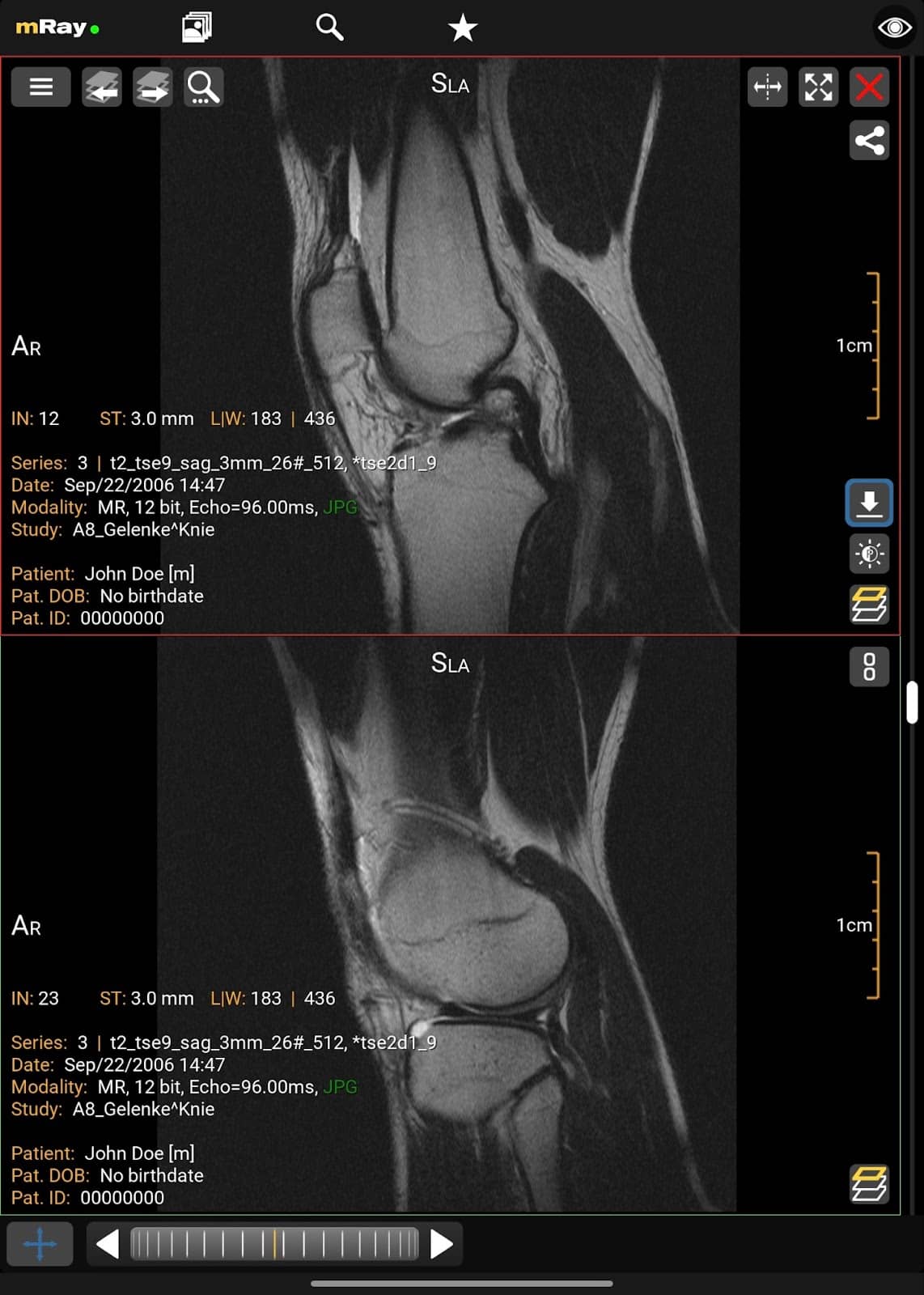
mRay: This one also made it to the list of Mac and android devices. It has all the standard features along with support for MPR, multiple layout options and cloud backup of your cases.
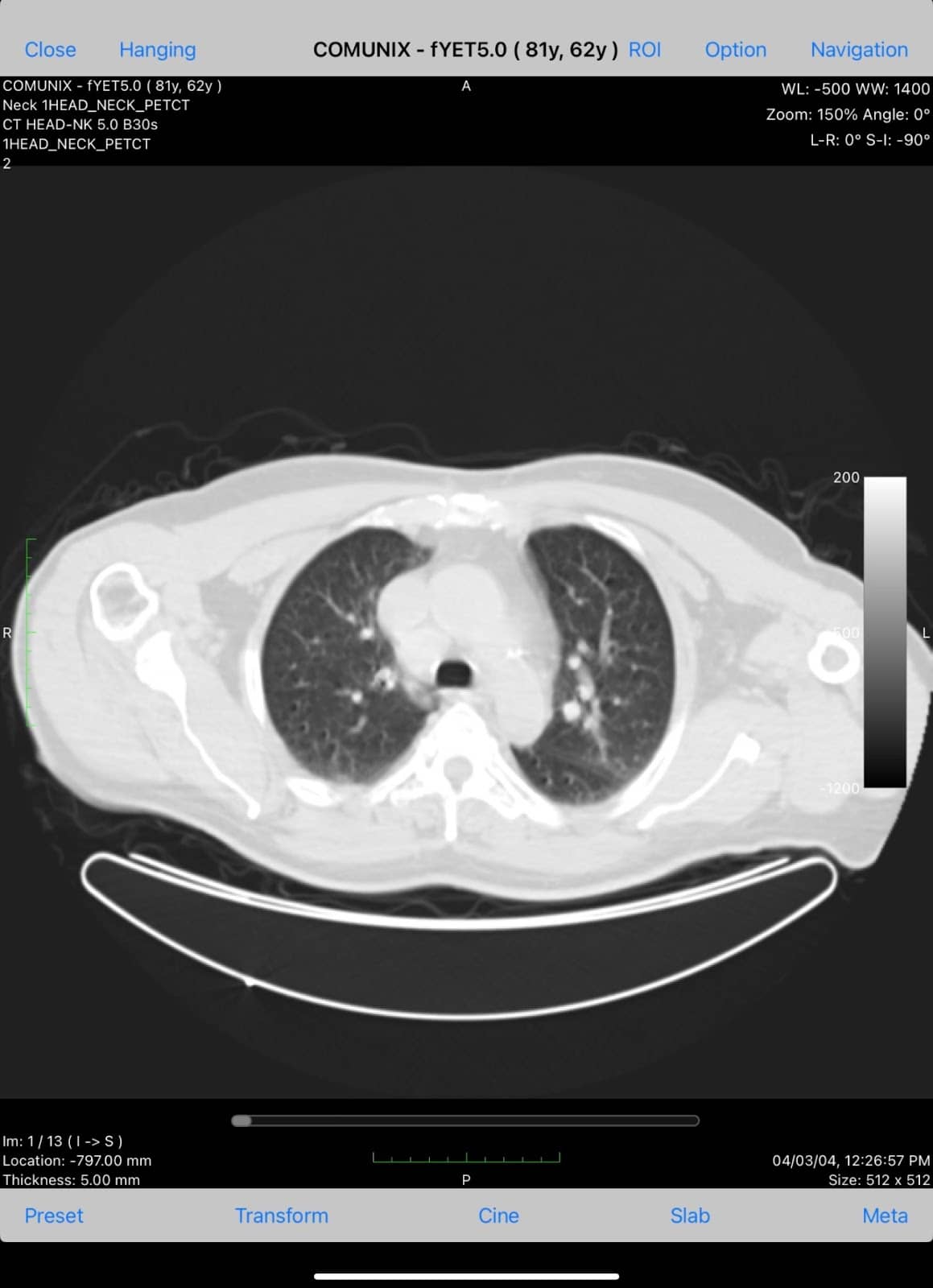
Medfilm: It’s a rather basic app without multiple layout, MPR or 3D VR but it does come with useful options for annotations including arrows, curves, polygons as well as text.
Paid DICOM viewer apps for iPhones/iPads
Horos, the most popular free option for Mac devices, is a paid app on ios devices. Along with Osirix HD, these are the best option for ios devices having support for all the standard options described in the free options along with robust advanced options as well including streamlined export and sharing options.
Choosing the Right DICOM Viewer
When selecting a DICOM viewer, consider your specific needs:
- For personal use or small practices, free options like Weasis or Horos may suffice.
- For larger institutions or advanced needs, paid options like RadiAnt or OsiriX offer more features.
- Web-based viewers are ideal for those who need to access images from multiple devices or locations.
- Mobile viewers are perfect for on-the-go access to medical images.
This article is co-written by TeamGyan member, Dr. Devpriyo Pal.

Improve Content And Help Your Colleagues!
Found an error in the post? Please let us know using our contact page and we will update it with due credits!
If you wish to contribute radiological images for this case (or any other article on the website), you can submit them here and you will be duly credited: Submit radiology case
very informative
Thanks.